📋 Offer Selection
The offer system manages project proposals, pricing, and client documentation.
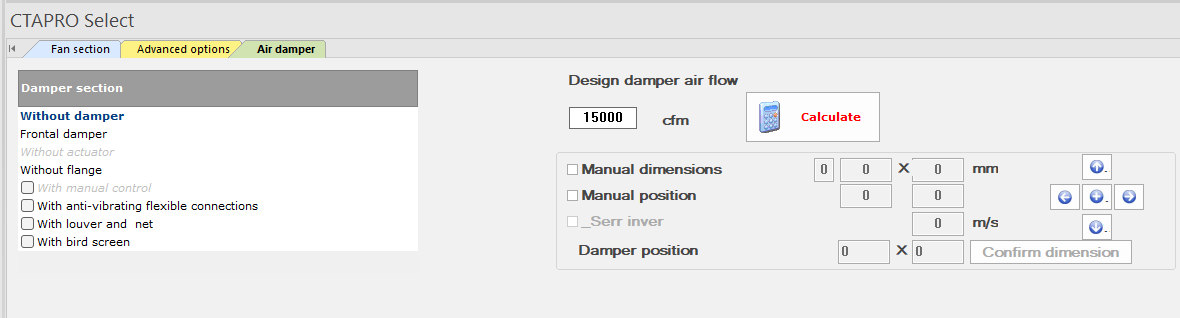
Offer Selection — select or create offers
Offer Fields
| Field | Type |
|---|---|
| Offer N° | Numerical (year-based) |
| Job N° | Numerical |
| Customer | Text |
| Product | Auto (from configuration) |
| Model | Auto (e.g. PTA-50T-11) |
| Supply Air Flow | Auto (e.g. 25,485 CFM) |
| Proposal N° | Text |
Offer List Columns
Year, Offer#, Customer, Project Name, Offer Date, Order N°, Revision, Locked By
💰 Pricing System
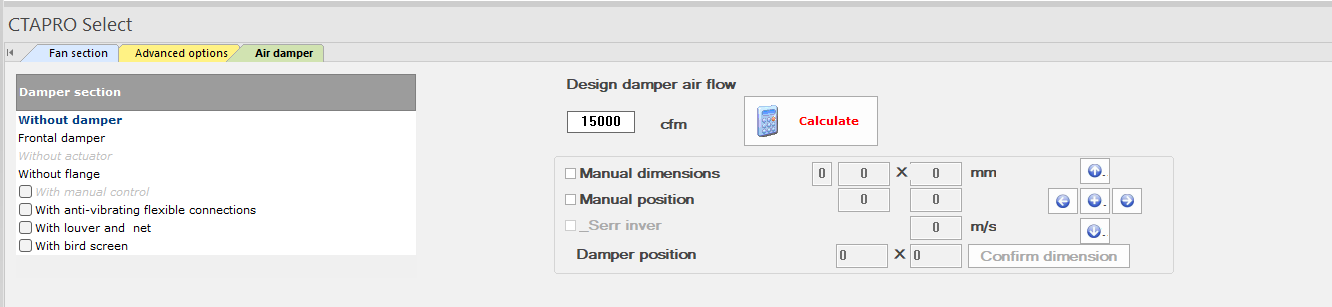
Offer Pricing — costs, discount, profit calculation
Ribbon — Costs tab for pricing controls
| Field | Type | Example |
|---|---|---|
| Unit Price | Currency | ₪ 101,642.00 |
| Final Price | Calculated | ₪ 101,641.63 |
| Discount | % | 0% |
| Profit | % | 0.01% |
| Exchange Rate | Numerical | 1 |
| Currency | Selection | ₪ (Shekel) |
📝 General Information Tab
| Field | Description |
|---|---|
| Offer Date | Proposal date |
| Quantity | Number of units |
| Customer | Client name |
| Proposal N° | Reference number |
| Project Number | Internal tracking |
| Location | Installation site |
| Kind Attention | Contact person |
| Project Name | Descriptive name |
| Revision | Document revision |
| Product | AHU model designation |
| Order N° | Purchase order reference |
| Agenda Dest. | Scheduling destination |
📄 Business Terms
| Field | Default Value |
|---|---|
| Offer Validity | 30 days |
| Warranty | 12 months from delivery |
| Shipment | Upon agreement |
| Packing | Excluded |
| Delivery | Upon agreement |
| Payment | Upon agreement |
| VAT Notice | "Price does not include V.A.T." |
📤 Export System
| Export Type | Formats / Details |
|---|---|
| File Format | xlsx, xls |
| Structure | Single / Multiple files |
| CAD Drawing File | DXF / DWG export |
| BOM File | Bill of Materials |
| Labor Details File | Installation hours |
| Price Detail (all units) | Complete cost breakdown |
| AHU Detail Information | Technical specifications |
Print Options
| Option | Description |
|---|---|
| Print Price | Include pricing in output |
| Print Imperial Units | Show CFM, inches, etc. |
| Print Drawing | Include schematic |
| Print CAD Drawing | Include detailed CAD |
| Print Job | Full job documentation |
| Save CAD Drawing | Export CAD to file |
| Print Fan Graph | Include fan curve |
Save Options
New Unit in Current Offer — Add another AHU to existing proposal
New Offer — Create fresh proposal
Modifications on Current — Save revision to existing
💡 Tip
Always use "Save As" with a descriptive name including project + revision. Template: [Customer]_[Project]_Rev[N].ctapro
🌍 Multi-Language Support
CTAPRO supports 12 output languages for international proposals:
| Language | Language | Language |
|---|---|---|
| English | Français | Russian |
| Catalan | German | Serbian |
| Dutch | Italiano | Spanish |
| Polish | Português | Ukrainian |