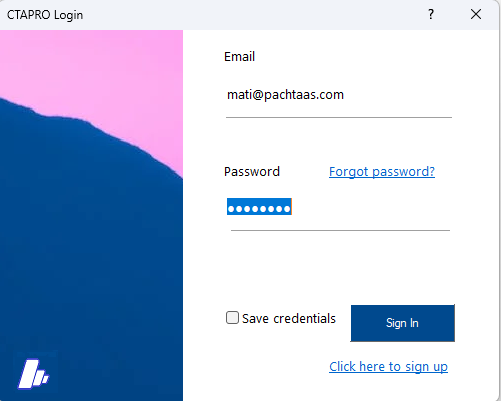
🔑 Login & License
CTAPRO requires a valid license and login credentials provided by ALTEC. On first launch you'll see the login dialog where you enter your agency credentials.
🖥️ Main Interface
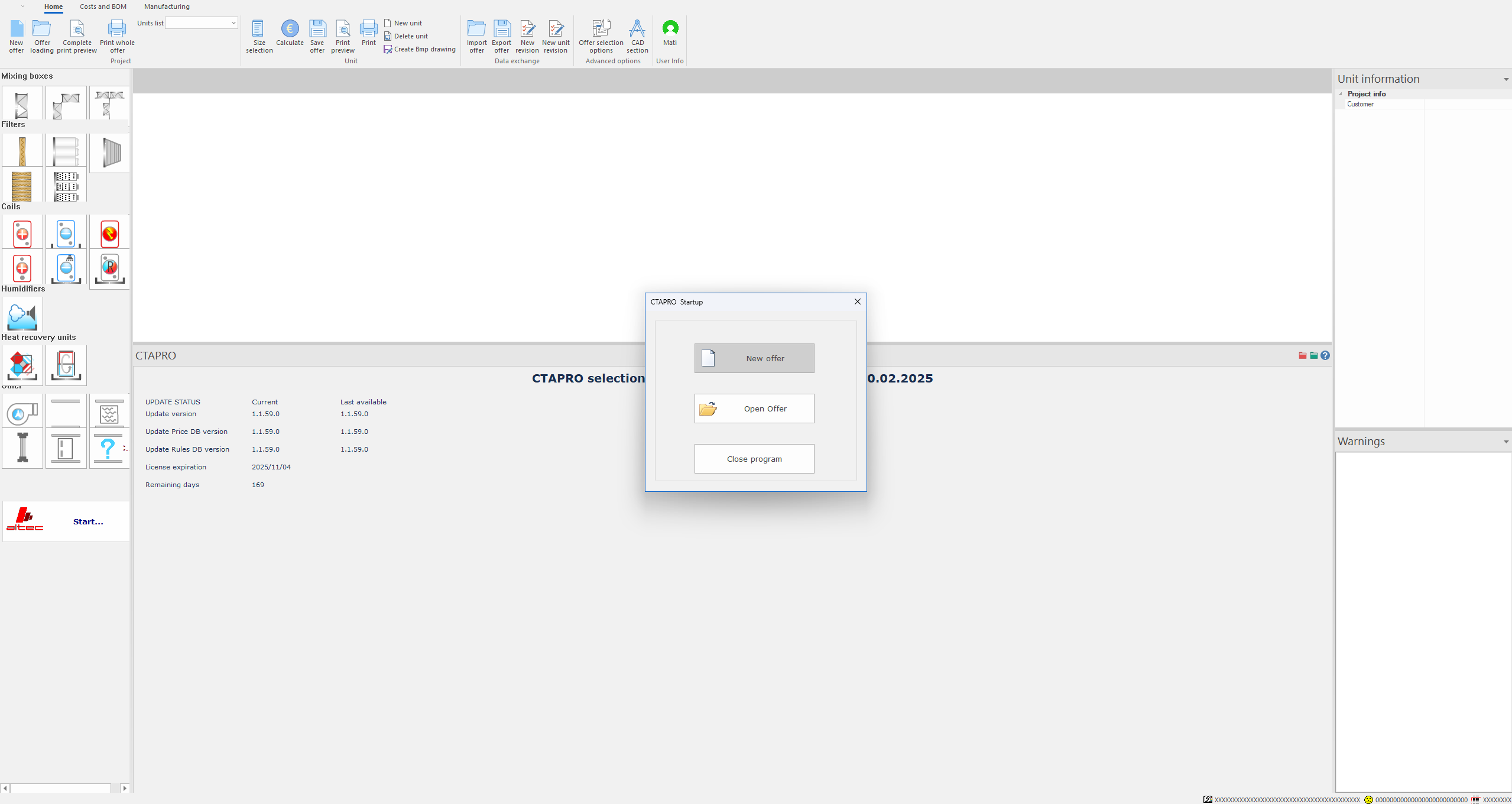
The CTAPRO workspace is divided into five main areas, each serving a specific purpose in the AHU design process.
1. Ribbon Toolbar
The ribbon provides access to all major functions: File operations, unit selection, calculation, print, and export.

2. Component Palette
Drag components from the palette onto the CAD canvas to build your AHU configuration. Components are organized in 6 categories:
| Category | Components |
|---|---|
| Mixing Boxes | Return damper, 2-type mixing, 3-type mixing |
| Filters | Synthetic/Metal, Soft Bag, Rigid Bag, HEPA, Active Carbon |
| Coils | Heating, Cooling, Electrical, DX, Condenser, Recovery |
| Humidifiers | Steam humidification |
| Heat Recovery | Plate heat exchanger, Heat wheel |
| Other | Fan, Attenuator, Junction, Inspection |

3. CAD Schematic
The central canvas shows a real-time schematic of your AHU assembly. Components appear in order from left to right as air flows through the unit.
4. Configuration Panel
When you select a component on the canvas, its parameters appear in the right-side configuration panel. Each component type has its own set of tabs and options.
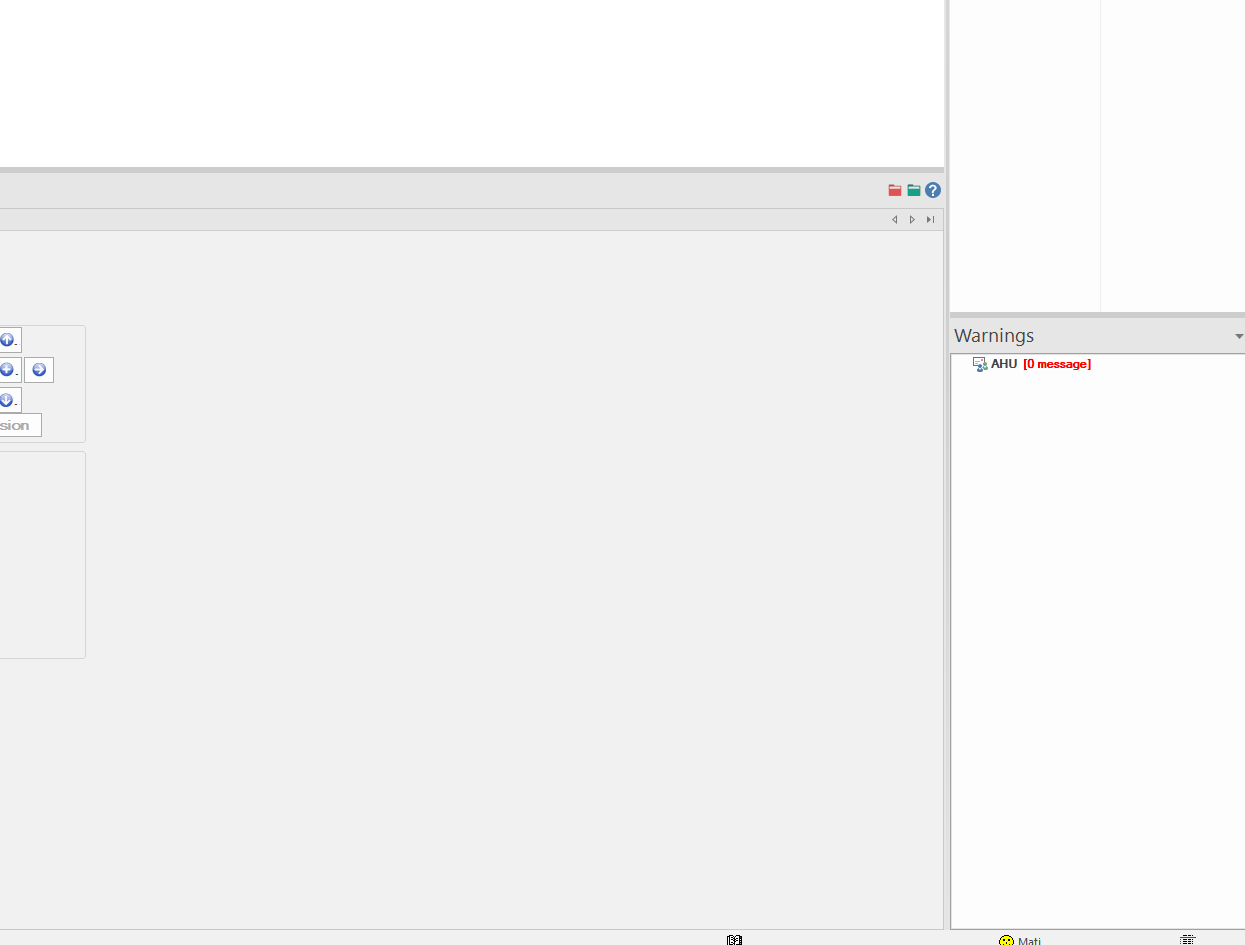
5. Warnings Panel
The warnings panel at the bottom displays validation messages. Your goal is ZERO warnings before generating an offer.